
Dual-pane file manager for Mac
Source.
Destination.
FileMaster4M puts two folders side by side. Select files, copy or move them to the other pane, and keep the whole operation in view.
Download for free Mac App Store · 14 days of full access · no subscription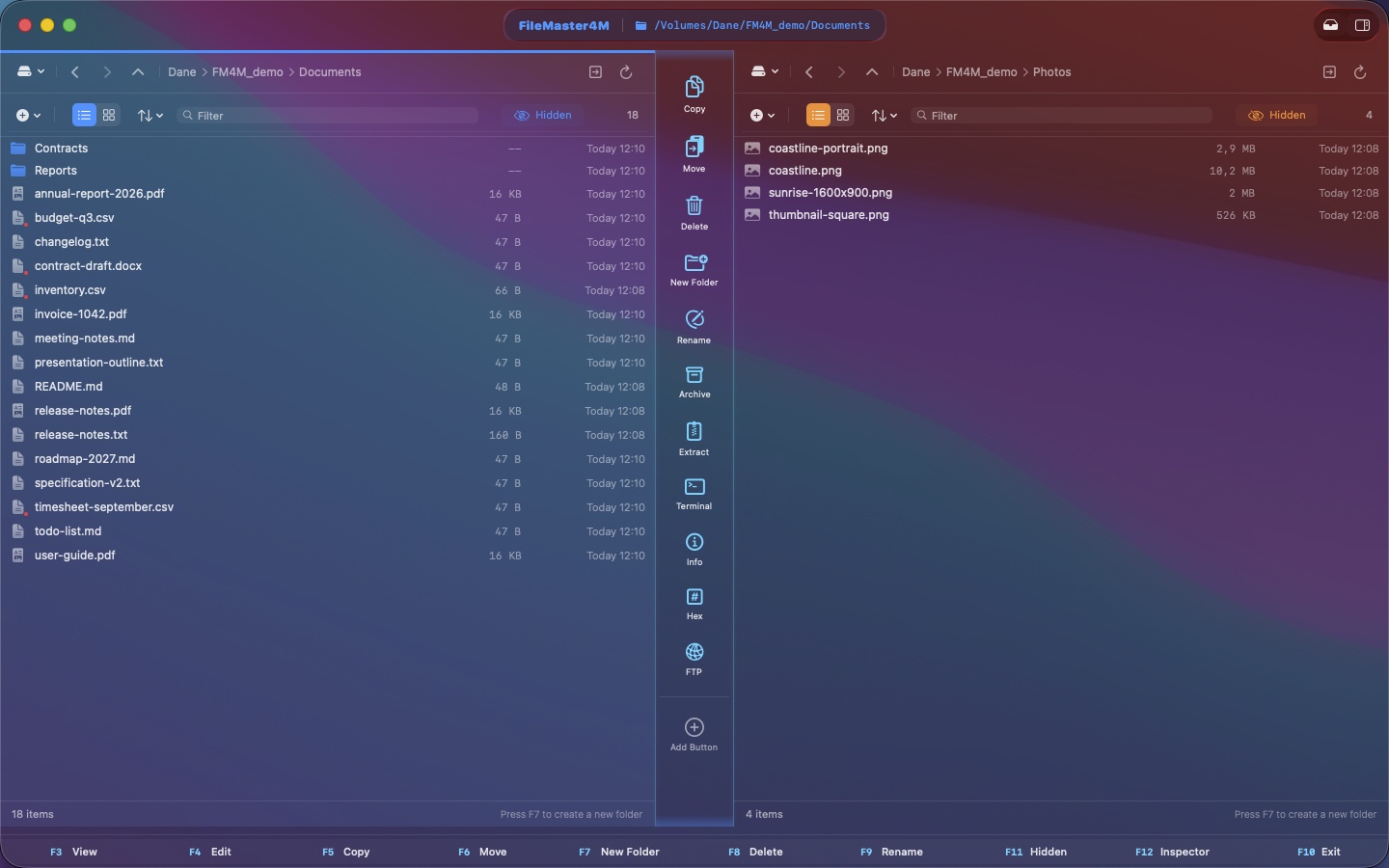
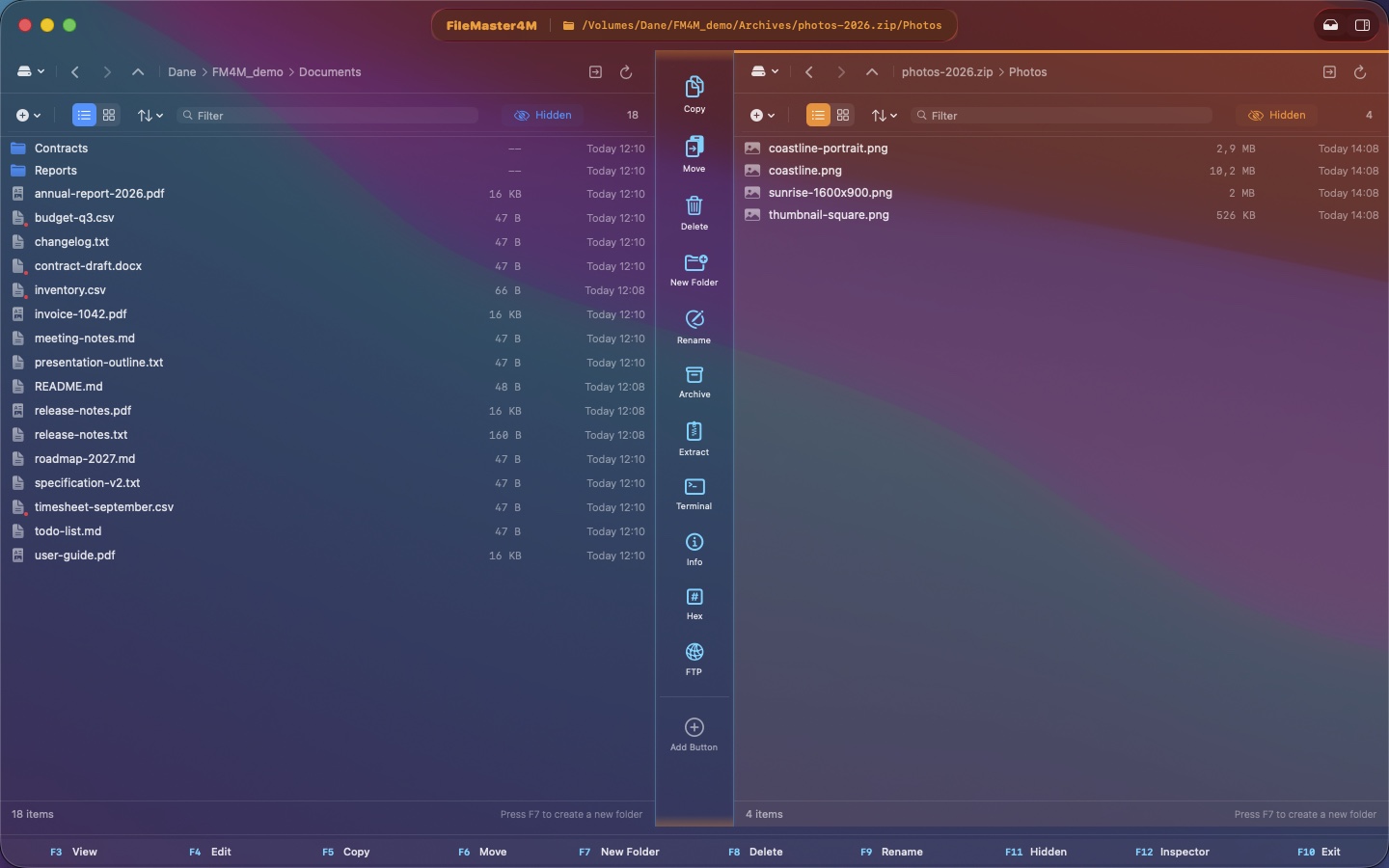
Archives like folders.
ZIP, TAR, tar.gz, tar.bz2, tar.xz, 7z, RAR and ISO 9660 images open in a pane. Select just the files you need and extract those.
ISO 9660 means images in that format; it does not include UDF or DMG.
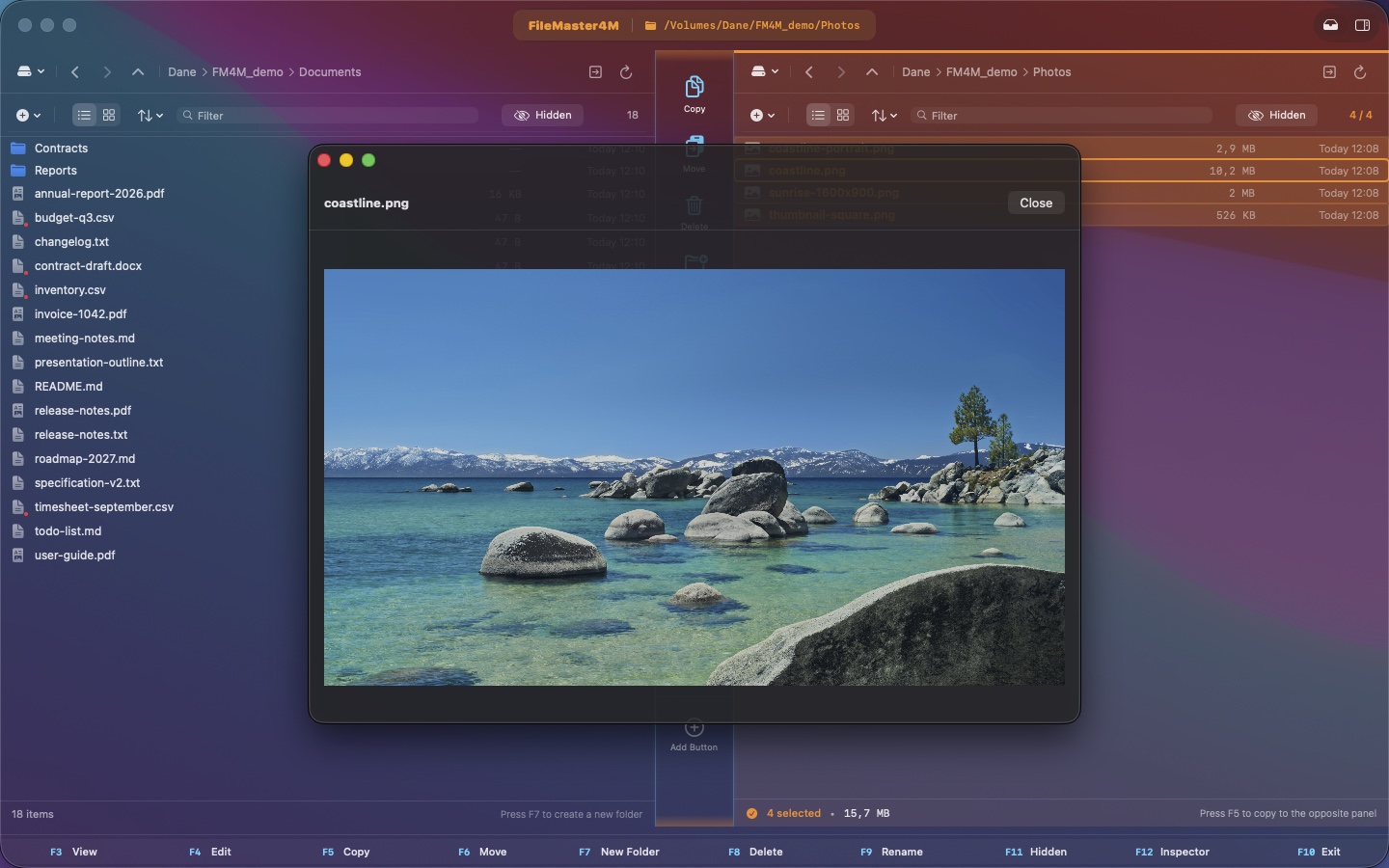
Check the file. Keep your place.
Quickly preview an image, document, text file or media. Close the viewer and return to the same files in the panes.
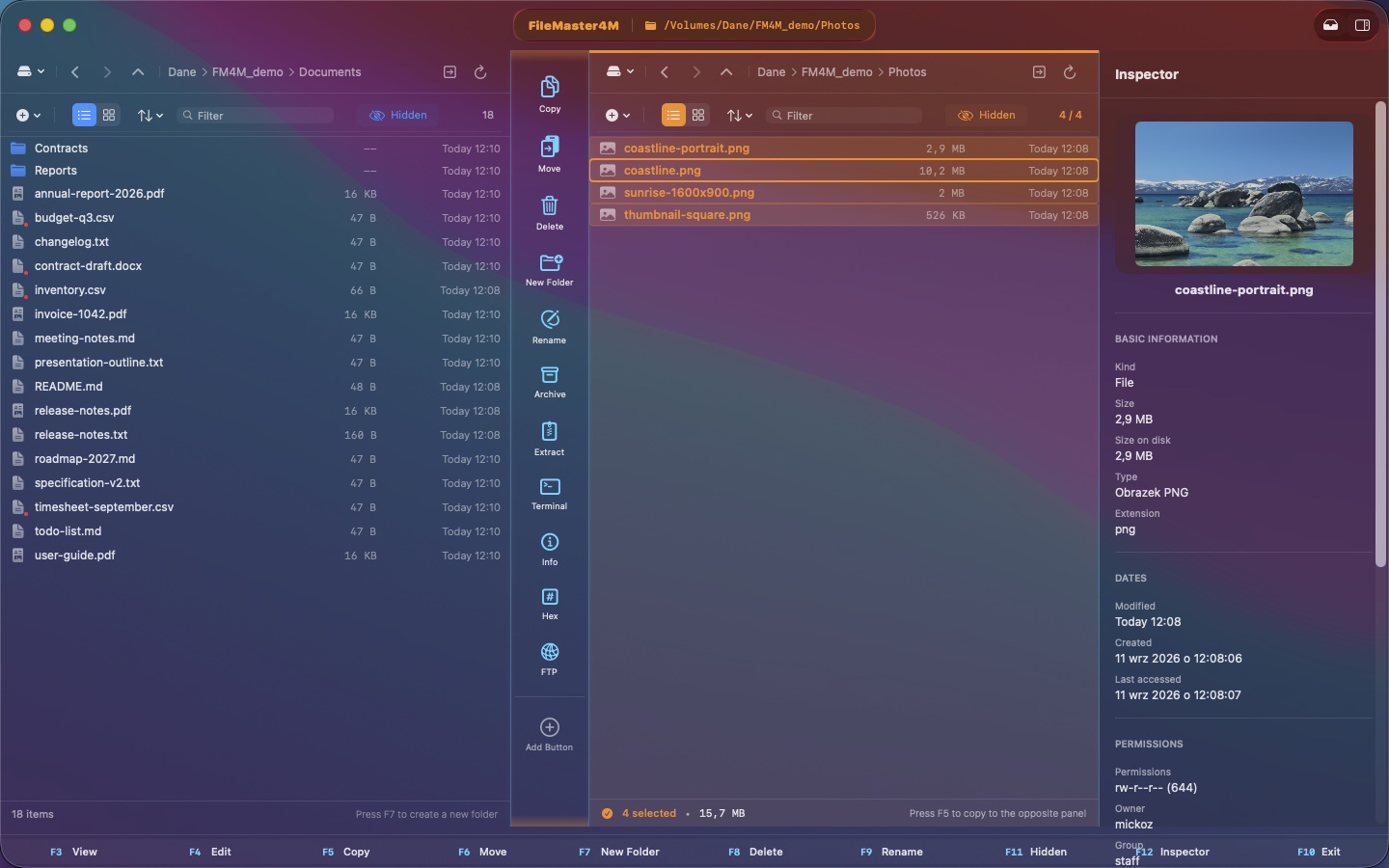
Select a file. See the details.
The inspector shows a preview, size, dates and permissions next to the file list. The tools also include a hex editor and checksums for small files.
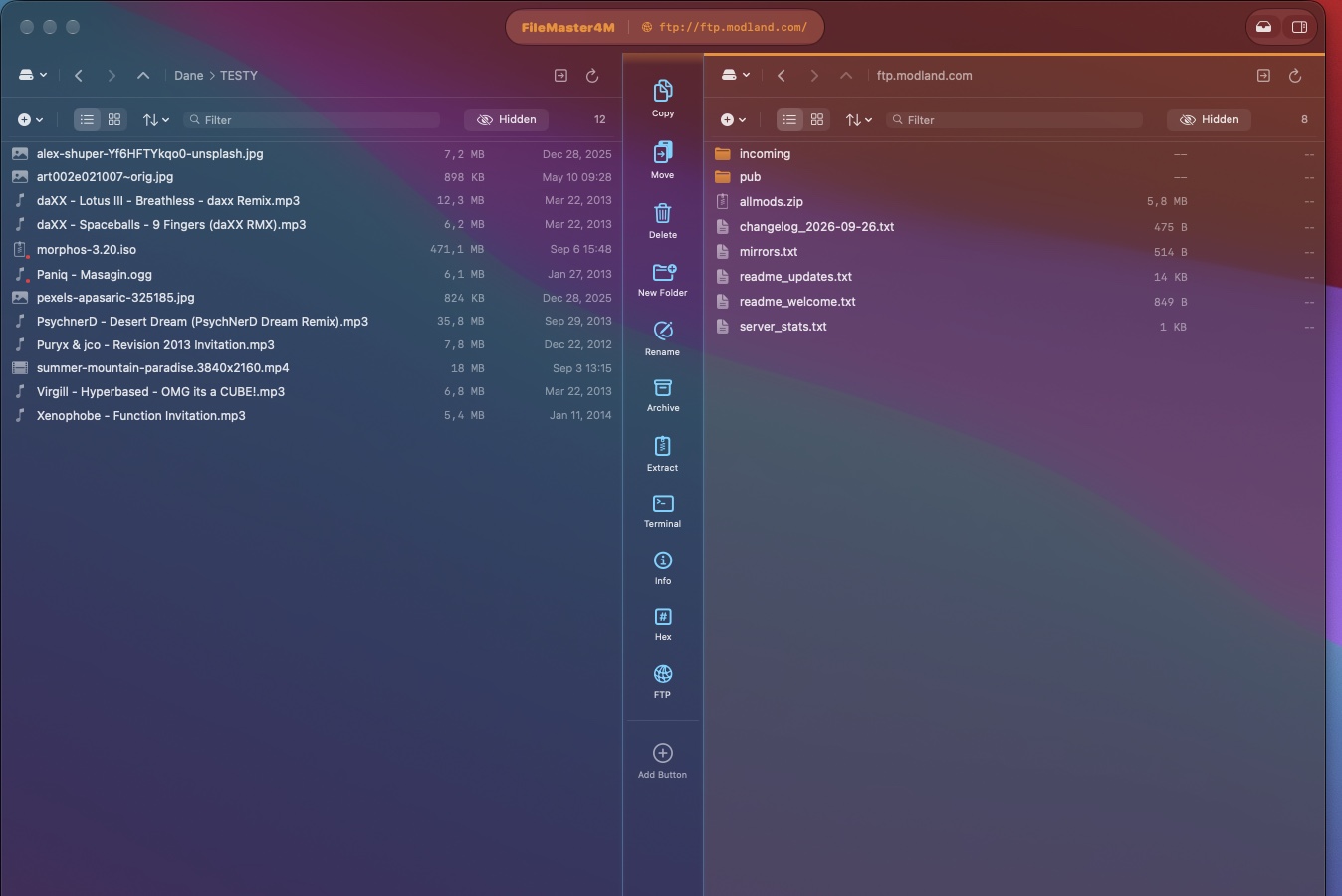
A server in the other pane.
Connect through FTP or SFTP and work with remote files in the same layout. Connection passwords are stored in macOS Keychain. SFTP also supports SSH keys.
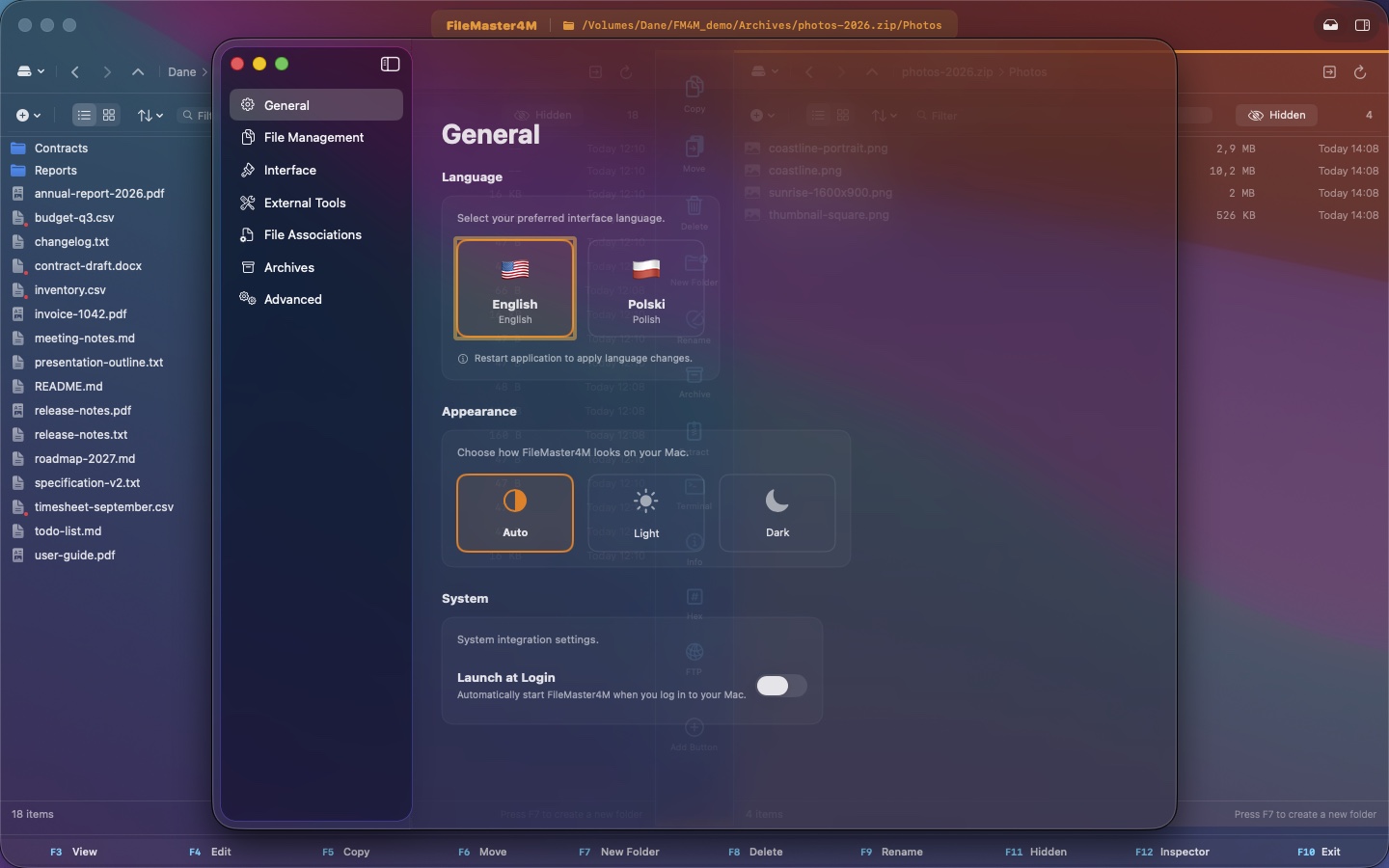
Your pace. Your layout.
Choose an English, Polish or Czech interface and automatic, light or dark appearance. Set pane colors and customize the central action bar.
Work first.
Decide later.
Download for free. Core local file management remains free after the trial.
Every feature is available for 14 days of use within 60 days of download. Days without launching the app do not use up the 14.
An optional one-time purchase unlocks archive extraction and creation, FTP/SFTP and the hex editor. See your regional price in the App Store. No subscription.